Debugging with IntelliJ IDEA
Speaker
About this talk
Historically, debuggers are used to help locate and fix bugs. Nowadays, the debugger in IntelliJ IDEA can help you do much more than that. Let's see how the debugger helps make the development process more productive. I demo various features for debugging Java applications, including not-so-standard ones, like: * Lambda breakpoints * Stream chain tracing * Dropping the frame * Emulated method breakpoint * Evaluate and log * Non-suspending breakpoints * Custom data renderers and more 100% live coding session
More talks to watch
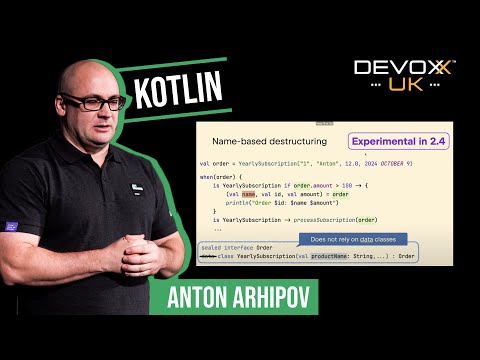 Kotlin - the new and noteworthyAnton Arhipov
 Dockerfiles, Jib ..., what's the best way to run your Java code in Containers?Matthias Haeussle
 How to survive as a developer in the exponential age of AI - KeynoteSander Hoogendoorn
 Your frontend is ☠️ ⚠️ Let's measure its impact with CO2 jsKo Turk
 Let’s use IntelliJ as a game engine, just because we canAlexander Chatzizacharias
 Beyond the Prompt: Evaluating, Testing, and Securing LLM ApplicationsMete Atamel